

Tech Jargon 101.
Shopping for internet means wading through a lot of jargon, some of it built to confuse you. Here’s plain English on the handful of terms that actually matter, so you can compare providers on the facts.
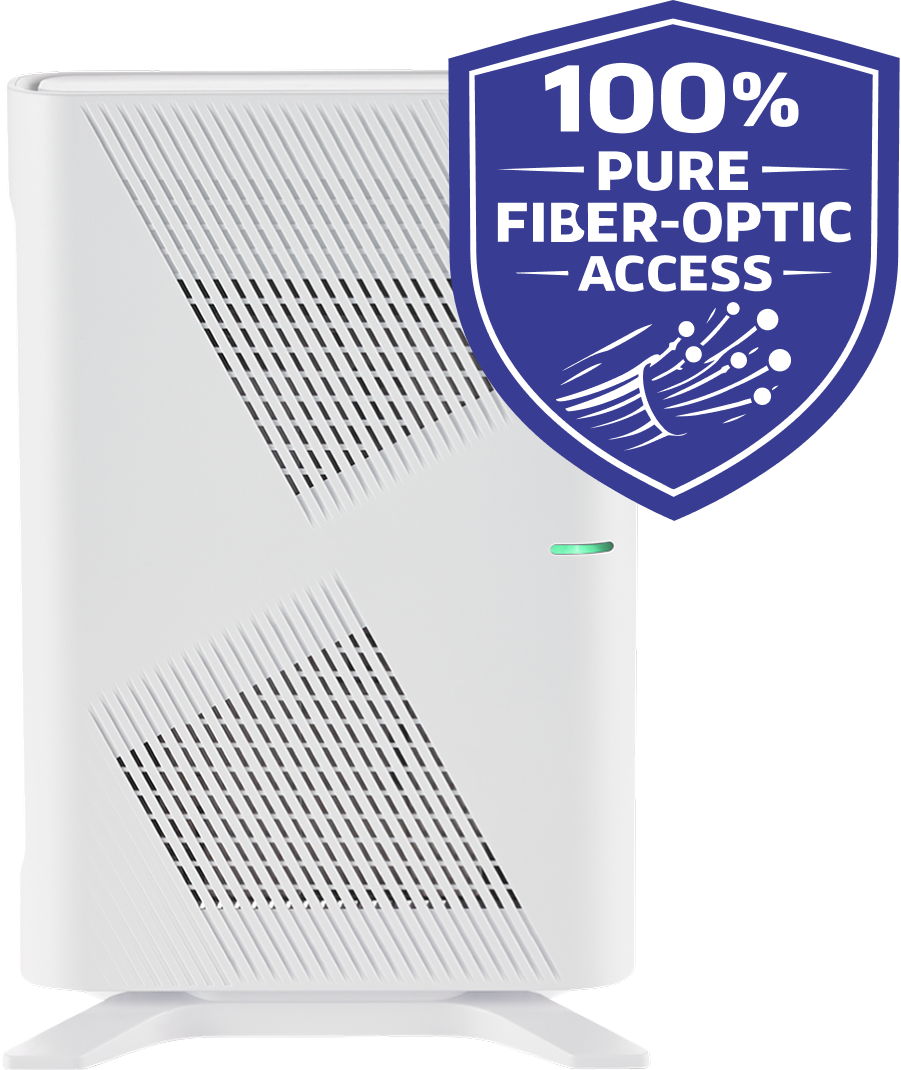
Fiber-Optic Internet. Internet sent as pulses of light through hair-thin strands of glass. It’s faster, steadier, and far less prone to interference than the copper cable (Spectrum) or phone lines (DSL) that older services run on. It’s what every PeakFiber connection uses.
Symmetrical Speed. When your upload speed matches your download speed. Cable gives you only a sliver of your download speed for uploads; fiber gives you the same both ways, which is why video calls, big uploads, and backups feel effortless.
Download & Upload Speed. Download is how fast data comes to you (streaming, browsing). Upload is how fast it goes out (video calls, posting, backing up files). Most providers shortchange your upload speed. Fiber doesn’t.
Mbps & Gbps. How internet speed is measured. One Gig (Gbps) equals 1,000 Mbps. Big numbers sound impressive, but most homes need far less than the top tier; we’ll help you find the right amount instead of overselling you.
Data Cap. A monthly limit on how much internet you can use before you’re charged extra or slowed down. PeakFiber has none.
Throttling. When a provider deliberately slows your connection, usually after you pass a data cap or during busy hours. You end up paying for speed you can’t use. PeakFiber never throttles.
Latency. The split-second delay between a click and a response, measured in milliseconds. Lower is better, and fiber’s low latency is what makes gaming and video calls feel instant.
ONT. The small box we install that brings the fiber line into your home. Think of it as fiber’s version of a modem.
Gateway (Router). The device that creates your home Wi-Fi and connects all your devices. Yours is included with PeakFiber, with no rental fee.
Wi-Fi vs. Your Internet Connection. They’re not the same thing. Your internet connection is the fiber line coming into the house; Wi-Fi is the wireless signal inside it. If one device acts up, it’s usually Wi-Fi; if everything’s down at once, it may be the connection. Knowing the difference helps us help you faster.
Mesh Wi-Fi. Two or more Wi-Fi units that work together as one network to erase dead spots, handy for big or older homes where a single router can’t reach every room.
Battery Backup. A small battery that keeps your home’s internet equipment running for a while during a power outage. We offer this as Bulletproof Wi-Fi. Worth considering for a home office, medical equipment, or anyone in an area that loses power often.
Fixed Wireless. Internet beamed from a cell tower to an antenna on your house, including “5G home internet.” It can work where there’s no wired option, but speed and reliability swing with the weather, the distance to the tower, and how many neighbors are sharing it — unlike a fiber line that’s all yours.
Satellite Internet. Internet from satellites overhead, like Starlink. It reaches places wires can’t, but it usually costs more, can stutter in bad weather, and has more lag than fiber, which you notice on video calls and while gaming.